Set Up Wizard

Thank you for choosing the Symboc AI Business Automation Suite.

The next step is to tell us about your business, website, audience, and marketing goals. This information allows us to configure your AI Content Agent specifically for your organization.

Please complete the Setup Wizard so we can begin your implementation.

For your security, do not enter passwords, API keys, credit-card information, or other confidential credentials in this form. Symboc will provide separate instructions for establishing secure WordPress access.
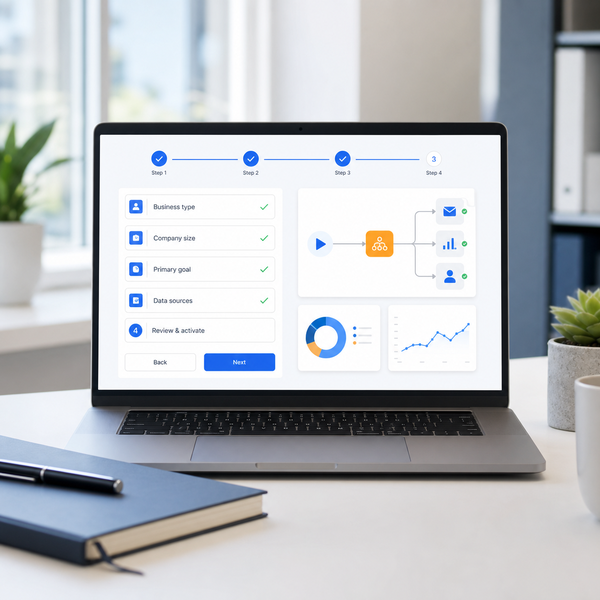
Current step:1Step 1 Order and Contact Information
2Step 2 Business Profile
3Step 3: Content Strategy
4Step 4: Brand and Writing Style
5Step 5: Wordpress and Notifications
6Step 6: Review and Authorization

Step 1: Order and Contact Information

Step 2: Business Profile

Regulated Industry? *

Step 3: Content Strategy

Provide three recurring subject areas. The Content Agent will rotate among these topics while developing a new article angle for each publication.

Step 4: Brand and Writing Style

Click or drag a file to this area to upload. File types permitted, .jpg,png,pdf,tif
Click or drag a file to this area to upload. File types permitted, .jpg,png,pdf,tif only.

Step 5: WordPress and Notifications

This is the email provider for your website. Usually the provider of the Wordpress Administrator.

Step 6: Review and Authorization

Authorization to Configure the Website
Authorization to Configure the Website *
Is Information Accurate? *
AI-content review responsibility *